Print 012 · Grade 3
Your First Cam Shift: A Practical Guide for New Webcam Models
Starting on cam as a new model is less about instant polish and more about creating a setup that feels safe, repeatable, and comfortable. You do not need to arr

Starting on cam as a new model is less about instant polish and more about creating a setup that feels safe, repeatable, and comfortable. You do not need to arrive with a signature style or an audience. You need clear boundaries, dependable technology, and a simple plan for what happens when you go live. Recent adult-industry news offers a useful wider perspective. On October 22, 2026, AVN reported that Full Circle Brands had expanded The Pleasure Company collection with six new releases. A company representative described the assortment as featuring “innovative stimulation features, playful designs and eye-catching packaging.” This is retail news, not a recommendation for performers or an on-camera product tutorial. Still, the emphasis on design and presentation connects to a broader point: what an audience sees shapes expectations. For a new webcam model, a coherent look and a clear concept are more useful than trying to fill every moment with novelty. The launch does not provide a step-by-step guide for new models, so the practical advice below focuses on general preparation, privacy, technology, and audience experience.
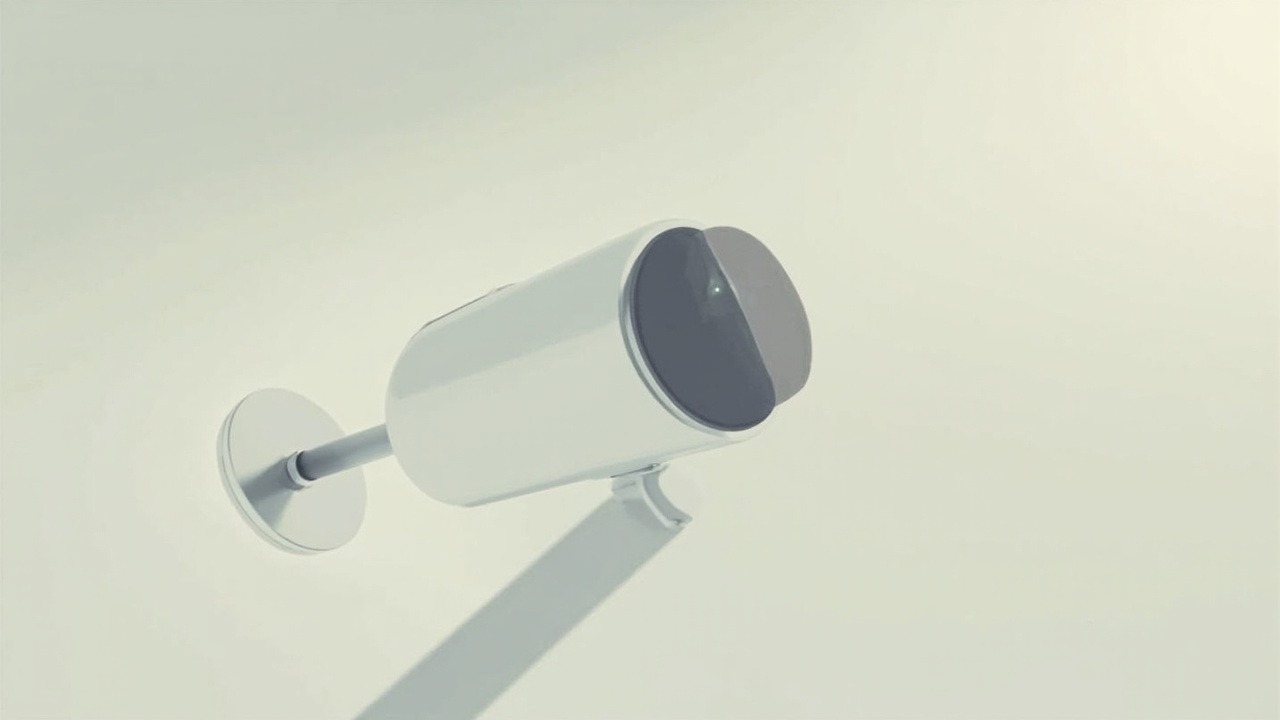
Start with the rules, not the aesthetic
Before buying equipment or choosing a screen name, establish the nonnegotiables.
- Know the rules. Confirm that you meet the platform’s age and identity requirements, and check local laws, tax obligations, and payment rules that apply to you. Policies change, so rely on current terms rather than outdated advice.
- Choose one home base. Start with a platform whose audience, format, fees, moderation tools, and recording policies fit your goals. Read the fine print before creating a public profile or accepting bookings.
- Set boundaries before going live. Decide which topics, clothing, levels of exposure, language, and interactions are off-limits. A personal boundary sheet can reduce the number of decisions you have to make while under pressure.
- Understand the money flow. Confirm how payouts work, what the platform deducts, and how tips are processed. Keep your own records, and never let anyone pressure you into working outside the platform’s process.
Build privacy into the setup from day one
Your camera may show only a curated corner of your life, but its software can still reveal more than you intend. Treat privacy as part of the production design.
- Separate your accounts. Use a dedicated email address for modeling, enable two-factor authentication, and create a unique password. Avoid reusing the password attached to your personal email or financial accounts.
- Remove identifying details. Check the background for mail, photographs, household labels, schedules, reflections, and visible device notifications. Adjust the camera angle before going live rather than relying on cropping afterward.
- Keep communication controlled. Use the platform’s messaging and moderation features whenever possible. Do not share personal contact details, move financial exchanges off-platform, or feel obliged to respond privately to viewers.
- Check recording settings. Know whether a session is being saved, who can access replays, and whether clips can be downloaded. Store only material you have chosen to keep, and remove temporary recordings when they are no longer needed.
Choose technology that works quietly in the background
- Start with your existing device. A recent phone or laptop may be enough for a first broadcast. Prioritize a stable image, usable controls, and compatibility with your chosen platform over expensive upgrades.
- Improve the lighting first. Face a soft, even light source and keep it slightly above or beside the camera. Good lighting can make a modest camera look more professional while also helping you see your actual setup.
- Treat audio as a priority. Use a headset or another reliable microphone if the built-in speaker produces echo or weak sound. Viewers may forgive an imperfect image more readily than a conversation they cannot comfortably hear.
- Test the connection. Run a private preview, check the upload quality, and watch for lag or dropped audio. Wired internet can offer greater consistency when available. Keep a backup plan for charging, storage, and connection failures.
Your first setup does not need to look like a studio. It does need to look intentional, function consistently, and make you feel comfortable returning to it.
Develop a recognizable on-camera style
The Pleasure Company announcement highlights playful designs and eye-catching packaging, which helps illustrate how presentation can attract attention in adult retail. A webcam set works differently: the background, wardrobe, lighting, camera position, and tone should all support the same concept. If every element feels like it belongs to a different show, the result can be distracting. A simpler identity often makes a new performer easier to remember and easier to evaluate.
- Choose a limited palette. Select a few colors for your set and wardrobe rather than changing the entire look for every stream.
- Use props with a purpose. Give each item a clear place in the presentation and remove anything that has not been discussed or approved. Product packaging may look good in a retail display, but it is not automatically camera-ready.
- Find your camera angle. Place the lens near eye level, test several distances, and mark the final position so future sessions begin consistently.
Plan the first show before you go live
Even a short first appearance benefits from a loose outline. You will not need to script every sentence, but you should know the opening, the general flow, and the ending.
- Rehearse briefly. Do a private run-through to check your introduction, lighting, sound, and any links or notifications you might accidentally expose.
- Prepare an easy opening. Begin with a simple welcome and one topic that makes you comfortable. The goal is to establish a rhythm, not to perform every possible format on day one.
- Set a finish line. Decide when the session will end, place a timer within reach, and keep water nearby. Ending on schedule helps you build a sustainable routine.
- Have a backup plan. If the connection fails, the camera freezes, or you become overwhelmed, step away and return when you are ready. Pause rather than pushing through technical problems or an uncomfortable interaction.
Review the experience after each session
Your first stream is a baseline, not a final judgment. Note which parts felt natural, where the conversation stalled, and whether your equipment or privacy plan needs adjustment.
- Save a short list of what worked and what felt forced.
- Update your boundaries if a topic or interaction was less comfortable than expected.
- Review earnings and time spent so you can decide whether the format is worth continuing.
Confidence comes from preparation
New models are often told to be “natural,” but natural is easier when the camera position is already right, the rules are clear, and the first few minutes have a plan. Start modestly. Make the experience manageable, protect your privacy, and refine the presentation one session at a time. Building a comfortable cam presence is not about revealing everything at once; it is about creating a space where you can be professional, boundaries-conscious, and present.
Source: AVN